Introduction #
The Outfy mobile app allows you to manage your content, automation, and social media scheduling from your phone. Follow these steps to log in and get started.
Download and Open the App #
Go to the Google Play Store or Apple App Store, search for Outfy, and install the app.
Once installed, open the app.
Select a Sign-in Option #
You’ll see multiple sign-in methods on the screen. Tap the option that matches how your Outfy account was created—whether through your store platform or via email.
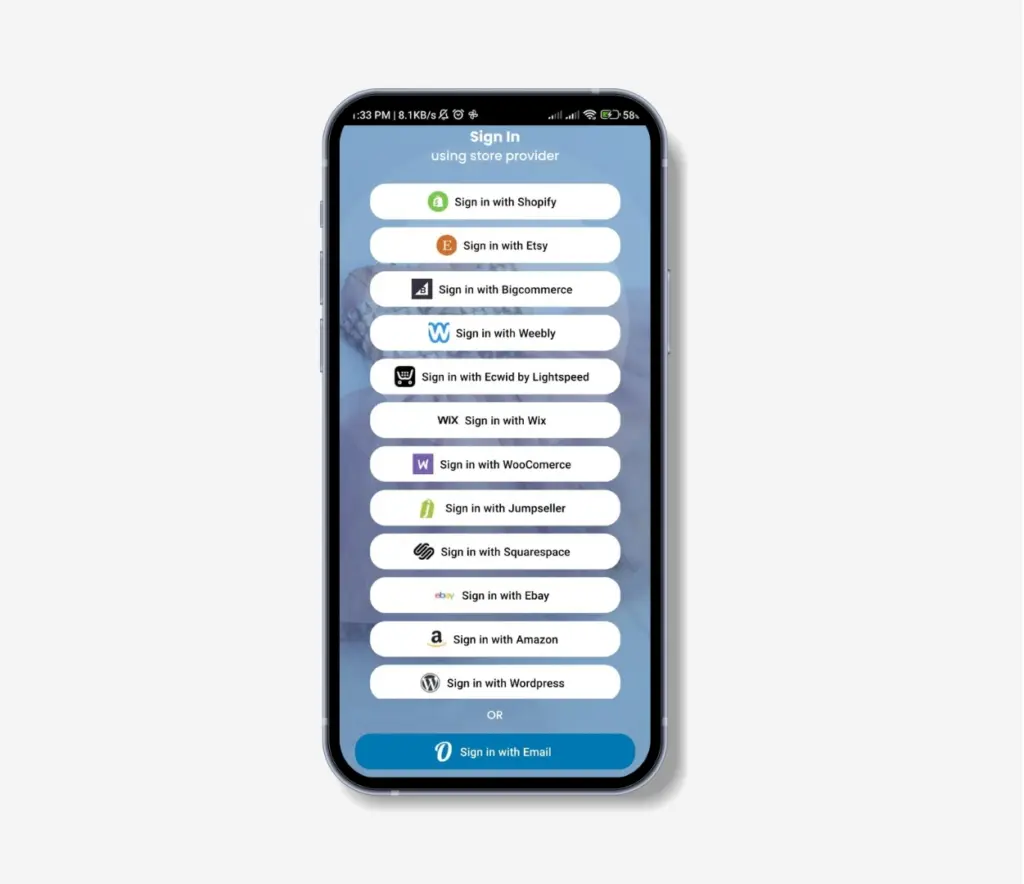
Note: If you sign in using a shop platform, Outfy uses this method to securely link with your store. This connection allows Outfy to access your product data and post content on your behalf without needing to reconnect every time.
Authenticate and Log In #
If you’re signing in through a store platform, you’ll be redirected to that platform’s login page.
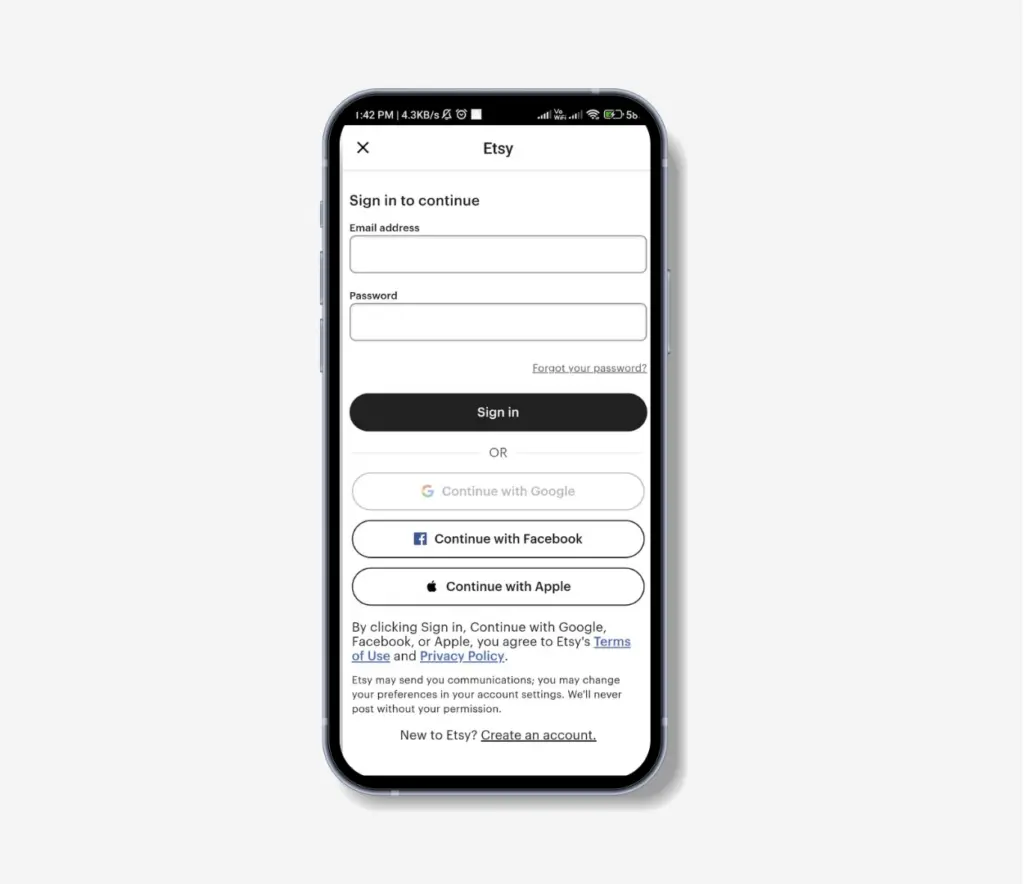
After logging in, you’ll be returned to Outfy automatically.
If you’re signing in with email, enter your registered email and password directly in the app.