

Instagram Reel Size: 1080×1920, Ratio, Safe Zone Explained (2026)
Last Updated on February 27, 2026 by Himanshu Rawat
Want to create some Reels that actually get seen?
The truth be told, scrolling through Instagram is a pure battle for attention. If you want to stand out, you need to make sure your Reels look amazing. To do that, you’re going to want the instagram reels size just right.
Fortunately, we have you covered, so don’t put too much pressure on yourself. Everything you need to know about the ideal size for your Instagram reels will be broken down in this blog. Let’s get started!
Why Is Instagram Reels Size Important?
Let’s be honest, you put your heart and soul (and a good hour of your time) into creating the perfect Reel. You picked the right music, added great visuals, wrote a catchy caption… and you’re thinking, this is the one.
But there’s one small detail that can truly make or break your Instagram Reel: the size and format.
Why does it matter?
- Full-screen glory: A Reel that takes over your entire screen is way more engaging. It commands attention and looks super professional.
- Avoid the crop: The wrong size can lead to your Reel getting cropped, hiding important parts of your video. No one wants that!
- Better engagement: A sharp-looking good reel not only gets more love but also vibes better with the algorithm, boosting your content’s visibility. People are more likely to like, comment, and share a visually stunning Reel.
- Polished, Professional Vibes: When your videos look crisp and well-composed no cropping mishaps, no pixelation, people trust and engage with them more. Consistent sizing across posts keeps your feed looking sleek and curated.
Want to make sure your Reels shine? Then make sure you’ve got the proper ig reel dimensions!
Want to automate your Instagram Reels and post like a pro? |  |
Instagram Reels Size and Dimensions
For maximum reach, it should be an Instagram Reel of 1080 by 1920 pixels, with an aspect ratio of up to 9:16. It is this format that shall make your content appear full-screen and disarm your viewers. Though the app doesn’t follow the dimensions strictly, sticking to them may give the best output.

Note: Since the platform is continuously updated by Instagram, always refer to their guidelines for the most recent recommendations.
Before we look into the details, here’s a quick overview for sellers and creators:
Quick Reference Table for Instagram Reels
| Element | Pixels | Aspect Ratio | Key Tip for Sellers |
|---|---|---|---|
| Reel Video | 1080 x 1920 | 9:16 | Full-screen format for product demos |
| Safe Zone | 1010 x 1440 | N/A | Keep SEO keywords & CTAs centered |
| Cover Photo | 420 x 654 | 1:1.55 | Acts as your static shop preview |
| Thumbnail | 1080 x 1920 | 3:4 | Keep brand logo prominent |
Note: Check out our detailed guide on the Instagram Safe Zone and dimensions to keep your text and visuals perfectly aligned.
Instagram Reel Size in Pixels
We have already talked about this, but since so, let us reiterate: the recommended Instagram Reel size is 1080 pixels by 1920 pixels.
Instagram Reel Cover Photo Size
Your cover photo is the first thing people see—make it count! The recommended Instagram Reel Cover Photo size is 1080 pixels by 1920 pixels (9:16 aspect ratio). Currently, Instagram doesn’t allow you to edit your cover photo after uploading, so choose wisely.

Instagram Reel Thumbnail Size
Even though Instagram auto-generates a thumbnail for your Reel, it would be good to know that for a thumbnail, an optimal size is 1080 pixels by 1920 pixels.
Instagram Reel Size Ratio
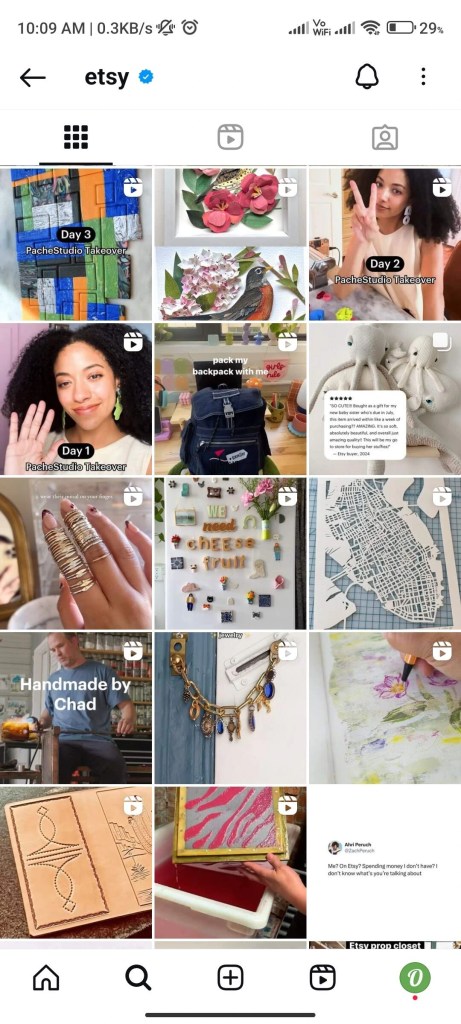
The optimum ratio for your Instagram Reel is 9:16 (1080 x 1920 px). This is a perfect form that is sure to fit the Instagram feed well, fully using space on the screen.

While 4:5 videos may display properly in the feed preview, Instagram Reels are optimized for 9:16 full-screen format.
For the best results and full-screen experience, always use 9:16 (1080 × 1920 px).
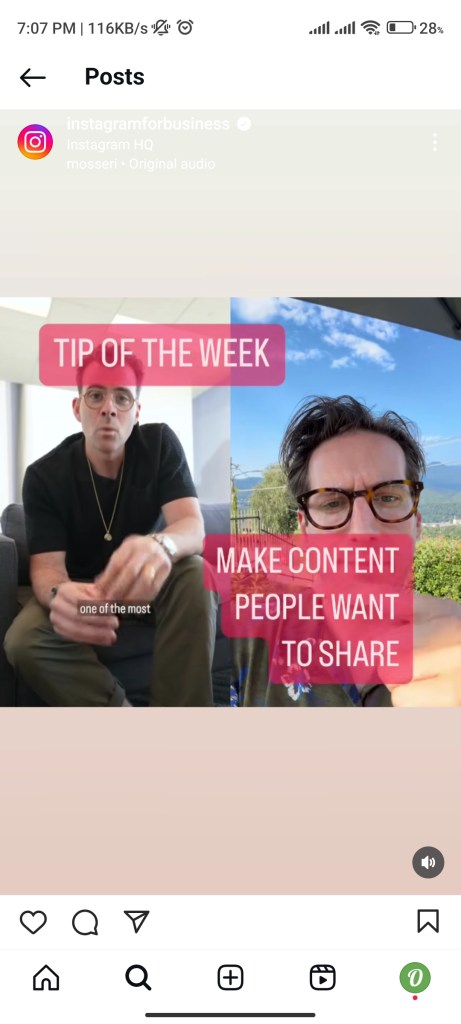
Remember: Prioritize the 9:16 ratio for the best visual impact.
Instagram Reel Frame Size
For best visuals quality, set about a frame size of 1080 pixels wide by 1920 pixels tall. This resolution will give you a very nice, sharp, clear image on most devices.
Note: To meet the platform’s requirements, make sure your Reel has a minimum resolution of 720 pixels and a frame rate of at least 30 frames per second (FPS).
Instagram Reel Length
Instagram Reels can now be up to 3 minutes long inside the app. This allows creators to share longer, more detailed content directly on Instagram.

When uploading via third-party scheduling tools, Reels can be up to 15 minutes long.
However, for maximum engagement, shorter Reels still perform better.
Instagram Reels Caption Length
You can add up to 2,200 characters in your Reel caption. Fill this real estate with telling your story, adding relevant keywords, and asking for engagement.
Instagram Reels Compression Size
When you upload a Reel, Instagram automatically reduces the file size to fit its platform. This process is called compression, and it can slightly lower your video quality.
To keep your Reel looking clear and sharp, it’s best to upload it in 1080 × 1920 pixels (9:16 ratio). This is the ideal size for full-screen Reels.
If your video is wider than 1080 pixels, Instagram will resize it. If it’s smaller, it may not look as clear.
So the safest option is simple: create and upload your Reels in 1080 × 1920 resolution to avoid quality loss.
Tip: Upload Reels in the Highest Quality
Want your Reels to look crisp and professional every time? Instagram has a setting that lets you always upload your Reels in the highest possible quality, perfect if you’re tired of blurry or pixelated uploads.
Here’s how to turn it on:
- Go to your Instagram profile (tap your profile picture in the bottom right).
- Tap the menu icon in the top right corner.
- Scroll down and tap “Media quality” under the Your app and media section.
- Toggle on “Upload at highest quality.”
Note: Enabling this may make uploads take slightly longer, especially on slower connections — but the boost in visual quality is totally worth it.
How to Resize Your Reels
Using the correct size for your Reels ensures they look clean, professional, and fully optimized for mobile viewing. If the dimensions are off, your video may appear cropped or leave empty spaces on the screen.
Here’s how to do it properly:
- Use Editing Tools
Resize your video using tools like Canva, InShot, CapCut, or Instagram’s Edits feature. These let you adjust, crop, and align your video easily. - Set the Right Dimensions
Use 1080 × 1920 pixels with a 9:16 aspect ratio. This fills the entire vertical screen perfectly. - Export in the Right Format
Save your video as MP4 or MOV for the best quality and compatibility.4. Preview Before Posting
Always check your Reel inside Instagram to make sure nothing is cut off and everything looks properly aligned.
Common Mistakes to Avoid
- Wrong Aspect Ratio: A 16:9 video will have black bars on the top and bottom.
- Low Resolution: Blurry Reels don’t get much love. Always aim for 1080×1920 pixels.
- Ignoring the Cover Photo: A bad cover photo can ruin your Reel’s first impression.
- Improper or Overlapping Text: Avoid placing text too close to the edges or bottom where it gets cut off by captions and UI elements.
- Posting With Watermarks: Uploading TikTok or editing-app watermarked videos signals lazy repurposing and hurts reach; always remove watermarks.
- Missing a Call-to-Action: Not telling viewers what to do (like, comment, follow) misses a chance for engagement and growth.
Tools to Make Perfect Reels
- Canva – Design eye-catching cover photos and on-brand visuals using ready-made Reel templates.
- InShot – Simple mobile app for trimming, adding music, and basic video edits.
- CapCut – Powerful mobile editor with effects, trending templates, and safe-zone guides.
- Adobe Premiere Pro – Pro-level video editor for advanced effects, color grading, and precision control.
- Outfy – Schedule and automate your Reels and social posts across multiple platforms.
How to Test Your Reels Before Posting
- Preview your Reel on different devices (phone, tablet, computer) to make sure it looks good everywhere.
- Use Instagram’s Drafts feature to see how your Reel will look in the feed.
Tips for Silent Viewers
Many people scroll Instagram with the sound off. Here’s how to make your Reels work for them:
- Add captions or text overlays to explain your video.
- Use trending audio to boost your Reel’s discoverability.
Examples:
- Tabitha Brown: Uses captions and overlays to engage silent viewers.
- Matt D’Avella: Explains concepts with text overlays.
- Pinkstormsocial: Official account uses captions for accessibility.
By knowing these technical guidelines, you’re already halfway to creating those attention-grabbing Reels that will capture your target audience’s interest. Remember, while these dimensions provide a solid foundation, consistent algorithm updates may necessitate adjustments. In other words, keep yourselves updated with changes on the Instagram platform so you can best make your content match with these.
FAQs on Instagram Reels Sizes and Specifications
Q1. Is Instagram Reels 9:16 or 4:5?
Instagram Reels are primarily formatted in a 9:16 aspect ratio, which is ideal for vertical viewing.
Q2. What is the best size for Instagram Reels?
The best size for Instagram Reels is 1080 pixels wide by 1920 pixels tall, ensuring high quality and optimal display.
Q3. Is the reel size the same as the story size?
Yes, the reel size is the same as the Instagram Story size, both using a 9:16 aspect ratio and measuring 1080×1920 pixels.
Q4. What format are Instagram Reels videos?
Instagram Reels videos are typically in MP4 or MOV format, which are widely supported for uploading and playback.
Q5. Can I upload a 16:9 video to Instagram?
You can upload a 16:9 video to Instagram, but it will appear with black bars on the top and bottom when viewed as a Reel.
Q6. What is the reel length limit on Instagram?
The length limit for Instagram Reels is 90 seconds, allowing for concise and engaging content.
Q7. What is the best length for Instagram Reels?
Instagram Reels can now be up to 3 minutes long inside the app.
When uploading through third-party tools, videos can be up to 15 minutes long.


AI-Powered Social Media Marketing for Online Stores
Automated Viral Reels, Shorts, Videos, Stories, Promotions, Reviews. 5X more engagement and sales